
Argus On WhatsApp
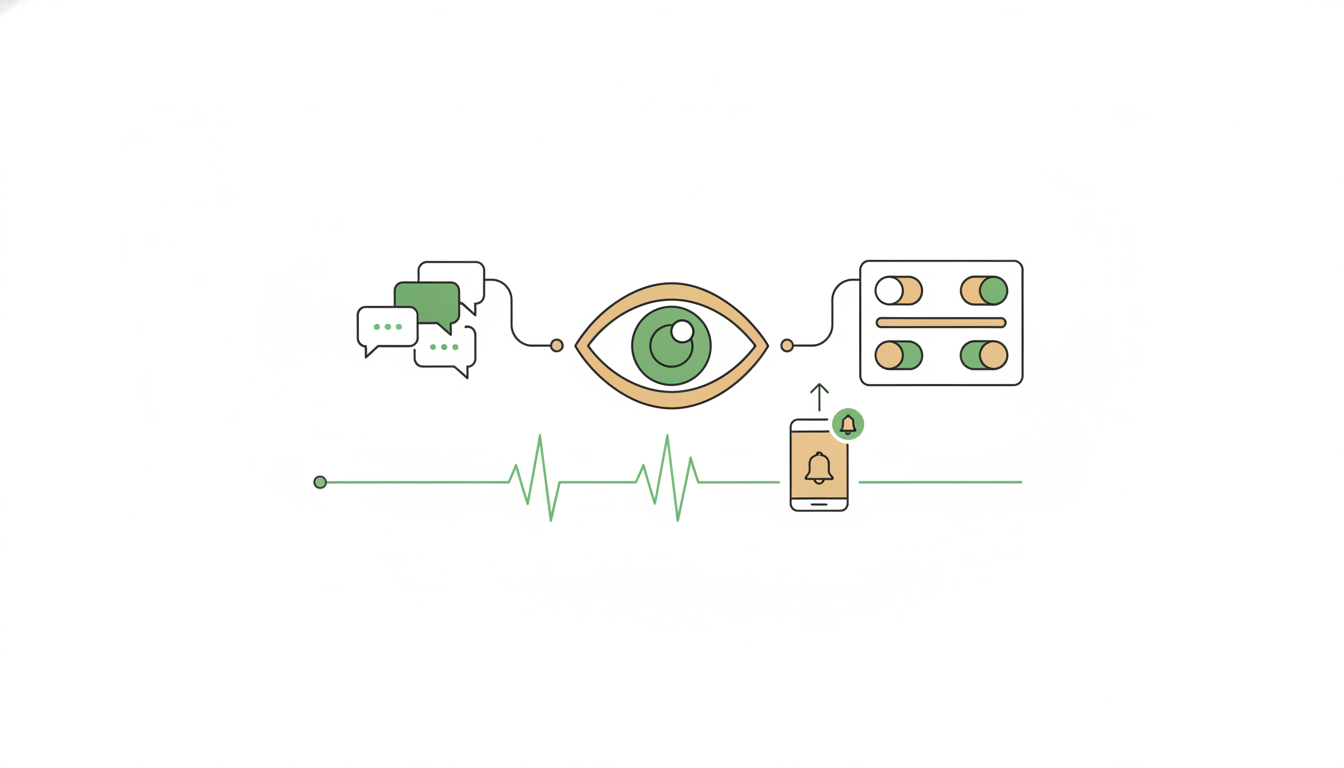
Argus is Alfrada's agent on WhatsApp — an always-on chief of staff that reads the threads you point it at, checks your email, calendar, and tasks in the background, and pings you only when something is worth interrupting. You set it up once inside Alfrada OS; after that, the day-to-day happens in WhatsApp, where the work already is. That's the point: you don't have to open another app to ask a quick question, capture a follow-up, or approve a next step — you just message Argus like you'd message a person.
Plan requirement: Argus is included in the Pro Max and Black plans. Argus Swarm — heartbeat and reply runs that can escalate to multi-agent execution — is included in Black only.
Try These First
Once Argus is set up, message it on WhatsApp the way you'd message a sharp assistant. A few favorites to copy:
Argus, what did I promise Ali and Sarah this week, and what still needs a reply?Argus, summarize the open decisions from this group and tell me who owns each one.Argus, flag any customer messages today that need a same-day answer.If nothing urgent is pending by 6pm, send me a tasteful ops-week meme.Ask for one clear thing at a time — short, high-signal instructions are what Argus is built for.
Set Up Argus In Five Steps
Open Settings → Argus and click Open Argus setup (the button reads Redo setup if you've been through it before). A guided wizard walks you through five screens:
1. Meet Argus
The welcome screen. It explains the two ideas that make Argus safe to run: your personal number stays read-only while a second "agent number" does the sending, and "Argus only talks to people you allow. Default is no one, so nothing surprising happens after pairing."
2. Connect Argus to WhatsApp
Pair the numbers. There are two cards:
- Your WhatsApp — "Optional. Read-only context." Your own number, connected only so Argus can understand your history.
- Agent WhatsApp — "Required. Can send messages." A dedicated second number that Argus receives on and replies from.
Pair the agent number by scanning the QR code from WhatsApp → Linked Devices → Link a Device on the phone that holds that number. The wizard won't continue until the agent number is paired — it's the one that matters.
3. Trusted contacts
Choose who Argus is allowed to talk to. The default is nobody, "so nothing surprising happens after pairing" — until you add someone, Argus will only message you. Add the people and groups you want it to interact with, or skip this and add them later from Settings.
4. How should Argus behave in groups?
Pick a default for every group you allow, with three options:
- Monitor — "Stay silent in groups. Log only."
- Mention only — "Reply when the wakeword is used."
- Respond to all — "Engage in every group message."
You also set the Wakeword here (default: Argus). In "mention only" groups, Argus replies when a message contains this word (case-insensitive). You can override the mode per group later.
5. Heartbeat & quiet hours
Decide how often Argus checks in on its own, and when it should stay quiet:
- Cadence — Every 15 minutes / Every 30 minutes / Every hour / Every 2 hours (default: every 30 minutes).
- Minimum gap between pings — 30 minutes / 1 hour / 2 hours / 4 hours.
- Quiet hours start and Quiet hours end — your do-not-disturb window.
- Heartbeat model — the on-screen helper says it plainly: "Default is GPT-6 Luna; pick Auto to use the platform router."
Everything you set in the wizard can be changed later in Settings → Argus.
Two Numbers, One Agent
Argus deliberately splits reading from sending.
Your personal WhatsApp is optional and read-only. Connecting it gives Argus your chat history, so questions like "what did I promise?" or "what happened with this person?" get real answers — but Argus never sends a message from your number. If you skip it, Argus still works; it just has less past context to draw on.
The agent number is Argus's own identity: the number people message to reach it, and the number every Argus reply comes from. That separation means your personal number never turns into an automation account, and everyone can always tell whether a message came from you or from your agent.
Who Can Talk To Argus — And What They Get
Argus draws a hard line between you and everyone else.
You get everything. Every connected tool, your memory, your files, your calendar, your email — when you message Argus, it acts with your full workspace behind it, no tool-picking required.
People you've trusted get a helpful but fenced-in assistant. They can ask Argus to research things on the web, analyze whatever they share in the thread, and produce fresh documents, decks, spreadsheets, diagrams, images, music, or video right there in the chat. What they can never do: see your memories, files, email, calendar, or past chats — or make Argus send messages, schedule work, or act on your accounts. Anything they get is generated fresh, in that conversation, from what they provided or from public sources.
The reason to care: trusting a contact is not handing them your keys. It's letting them borrow a capable research assistant that has no idea where your keys are kept. (The exact tool lists live in the appendix at the bottom of this page.)
One more boundary worth keeping tight: Argus acts with your account's full authority, so protect the account itself — turn on two-factor authentication under Account Security.
How Argus Behaves In Groups
Adding Argus's agent number to a group is what lets it see that group; the group mode decides when it speaks:
- Monitor — Argus reads silently and never replies. Use this for sensitive groups where you want Argus to have context but no voice.
- Mention only — Argus replies only when someone addresses it: a mention, a quote of its message, the wakeword, or a quick follow-up to something it just said. The right default for busy groups.
- Respond to all — Argus can reply to normal group messages. Use only where an active agent is genuinely welcome.
Even in silent groups, Argus keeps up with the last stretch of conversation (roughly the most recent 30 messages), so when you do call on it, it already knows what's been said.
In groups, Argus stays neutral, brief, and professional — no inside jokes, no commentary on your habits. And it will not reveal your private details — schedule, contacts, files, finances, past conversations — unless your current message explicitly asks it to share that specific thing (say, "tell them my Tuesday"). If you ask something private in a group, it answers briefly and suggests moving to DM.
Heartbeat Check-Ins
On the schedule you chose, Argus quietly reviews your tasks, inbox, calendar, and threads, and messages you only when something is timely. Most check-ins should end in silence — and silence is correct when nothing new matters. Each quiet run leaves a one-line note about what it checked, so you can audit the heartbeat without being pinged by it.
The controls (all editable later in Settings → Argus):
- Enabled — the "Enable the autonomous heartbeat" toggle.
- Cadence — how often Argus takes a look.
- Minimum gap between pings — the floor between proactive messages, so a chatty afternoon can't become a feed.
- Quiet hours — a window where proactive pings never fire.
- Heartbeat model — defaults to GPT-6 Luna; pick another model or Auto, and the schedule refreshes so the next check-in uses your choice.
Two things worth knowing. First, quiet hours and the minimum gap only gate proactive pings — if you're actively talking to Argus, replies always come through. Second, each check-in starts with a lean toolkit and switches on whatever else it needs mid-run — mail, calendar, GitHub, Slack, Teams, docs, the browser, code or image tools — automatically, since you're not there to click an approval. Before anything high-impact or irreversible, though, Argus asks you on WhatsApp first.
The heartbeat itself is an ordinary scheduled task named "Argus heartbeat" — you'll find it, and every run's notes, in your task history under Settings → Automations.
If Something Goes Wrong
Argus doesn't reply. Check, in order: the agent number is still connected; the sender or group is on your trusted list; the group isn't set to Monitor; and — for Mention only groups — the message actually used the wakeword, a mention, or a quote. Also note that messages sent before you paired are ignored on purpose, so Argus never replies to a backlog.
Argus replies to you but won't message someone else. Argus only messages people and groups you've allowed, and proactive sends respect quiet hours and the minimum gap.
The heartbeat is too noisy. Widen the minimum gap, add quiet hours, or move groups to Monitor or Mention only. A good heartbeat feels like a useful interruption, not a feed.
The heartbeat is too quiet. Confirm it's enabled, your connected tools are still signed in, and quiet hours or the minimum gap aren't suppressing pings.
Argus can't find a person by name. Ask Argus to save a label or note for that contact — useful when someone's WhatsApp profile name is unclear.
FAQ
Is Argus a separate app?
No. Argus is an Alfrada OS agent that runs through WhatsApp. Setup and controls live in Alfrada OS; the day-to-day conversation happens in WhatsApp.
Why do I need a separate Agent WhatsApp number?
WhatsApp runs one number per identity. A dedicated agent number gives Argus a clear sender identity and keeps your personal number from becoming an automation account.
Is my personal WhatsApp required?
No. It's optional and read-only. Connecting it improves history recall and helps Argus recognize you, but Argus always sends from the agent number.
Can Argus message other people?
Yes, from the agent number — but only people and groups you've allowed. Heartbeat runs proactively ping only you, and Argus asks before high-impact actions involving anyone else.
Can Argus post on social, send email, or edit work?
It can use your connected tools, but it's instructed to ask you first before high-impact or irreversible actions — public posting, emailing third parties, merging or closing pull requests, deleting data, or messaging other people.
What happens in groups?
Allowed groups run in one of three modes: Monitor (read silently, never reply), Mention only (reply only when addressed), or Respond to all (reply freely). You set a default in the wizard and can override per group.
What is the default heartbeat model?
GPT-6 Luna. Users can lock a different model in settings or choose Auto.
Does quiet hours stop all Argus messages?
No. Quiet hours gate proactive heartbeat pings. If you're actively talking to Argus, replies come through normally.
Can trusted contacts see my private context?
No. Their conversations run with stricter guardrails and a limited toolset — research, analysis, and fresh documents only, nothing that reads or acts on your accounts. Still, choose trusted contacts and group modes deliberately.
How do I pause WhatsApp traffic quickly?
Administrators can pause all WhatsApp traffic. While paused, nothing comes in or goes out until it's resumed.
Best Practices
- Start with the default: nobody trusted, then add people deliberately.
- Use Monitor for sensitive groups and Mention only for busy ones.
- Ask Argus to save notes on important recurring contacts.
- Keep heartbeat pings rare and actionable — tune the minimum gap early.
- Review the first few heartbeat runs in task history before widening access.
How It Works Under The Hood
Everything below is optional reading — raw identifiers and internals for the curious.
The inbound message flow, step by step
When a WhatsApp message arrives:
- The personal role returns immediately. It is read-only.
- The agent role checks the global WhatsApp kill switch.
- Duplicate live bridge events are dropped.
- Sender and chat JIDs are normalized, including multi-device suffix handling.
- Owner identity is checked from the paired personal number.
- Non-owner senders are checked against the ACL. In
whitelistmode, unlisted 1:1 DMs are blocked, while group traffic passes through to group-mode gating because the agent is already a group member. Inblacklistmode, listed contacts/groups are blocked. - Historical messages older than
paired_atare dropped to prevent post-pair backlog replies. - Group mode decides whether the message should trigger a turn or just be logged.
- Media is downloaded into the session when possible, except audio, which is already transcribed by the bridge.
- A WhatsApp chat session is created or reused.
- The agent runs headlessly and replies back through the agent number.
If a headless turn exceeds the configured timeout, Argus sends a short fallback telling the sender the reply took too long and was stopped.
Glossary: JIDs, the ACL, and access modes
- JID — WhatsApp's internal address for a person or group. Group addresses end in
@g.us. Trusted-contact entries are stored by JID and can carry a label, a per-group mode, and a per-group wakeword. - ACL — the allow/block list behind "Trusted contacts." It has three modes:
whitelist(only listed 1:1 contacts can DM Argus; the owner is never locked out),blacklist(everyone except listed contacts), andopen(any sender can trigger processing). New agent accounts start inwhitelistmode with no entries. - Group gating — for groups, membership is the allow: if the agent account is in the group and the group isn't blocked, the group's mode (
monitor/mention_only/respond) decides whether Argus speaks. Non-owner senders in groups are always treated as external. - Owner turns — messages from you bypass the ACL, and every active tool in the catalog is auto-merged into the session's toolkit, so you never pre-select tools.
- Group catch-up — group turns receive an auto-injected "recent in this chat" block (the last ~30 messages, labelled by speaker), so Argus can catch up on silently-ingested chatter without reading your wider WhatsApp history.
Exactly which tools external senders can and cannot use
External (non-owner) turns are re-capped at stream time to this allowlist of 37 tools, grouped as in the source:
- Conversational primitives:
browser,speech. - Research & discovery:
google_search,tavily_search,context7_docs,scholar_search,google_patent,youtube. - Public social search (no auth, no owner identity):
twitter_search,reddit_reader,tiktok_search,instagram_search,linkedin_profile,linkedin_jobs. - Location / travel / shopping:
google_flights,google_maps,airbnb_search,google_shopping. - Finance read-only:
analyst_views,company_financials,stocks_analyser,psx_market. - Analysis & artifact generation (scoped to the in-session sandbox):
code_executor,markdown_editor,crud_tool,mermaid_diagram,presentation_create,presentation_edit,excel_ops,pdf_create. - Visual / media artifacts:
image_lab,pexels_media,meme_tool,music_lab,video_lab,video_editor. - Specialist read-only:
medical_vision(on-box MedGemma, no PHI leaves the deployment).
What stays blocked for external senders, no matter what: whatsapp_send/whatsapp_history/whatsapp_set_contact, every Composio MCP (Gmail, Drive, Calendar, Slack, Teams, GitHub, LinkedIn, Twitter, Facebook, Discord, Zoom, Sheets, Docs, Slides, Analytics, Hunter, Cats), task_scheduler/argus_schedule_self, agentic_browser, the memory tools (memory_search/memory_create/memory_update/memory_delete) and playbook, agent_smith, history_searcher, settings_tool, billing, ask_user, request_tool_activation. The explicit deny list also names hunter, ask_user, and google_drive. Newer tools (image_consistency, html_dashboard, doc_ops, pptx_patch) are also unavailable to external senders — anything not on the allowlist is blocked by default.
whatsapp_history deserves a note: it reads the owner's entire WhatsApp database, which is why external senders can never invoke it — the auto-injected group catch-up block exists so Argus doesn't need it for routine group turns. The owner can still call it for explicit cross-chat lookups.
The heartbeat's lean toolkit and on-demand activation
Each heartbeat tick starts with a lean core of 15 tools: request_tool_activation, task_scheduler, argus_schedule_self, todo_list, whatsapp_history, whatsapp_send, whatsapp_set_contact, memory_search, memory_create, memory_update, memory_delete, playbook, history_searcher, google_search, and tavily_search.
Anything else — email, calendar, GitHub, Slack, Teams, Docs/Sheets/Slides, the browser, code, image, or report tools — Argus activates on demand mid-run via request_tool_activation. Activation is approved automatically in heartbeat runs, since no user is present to click a banner. Runs can end up broad because the job is to decide what matters, not just scan one inbox — but each tick only pays for the tools it actually needs.
The heartbeat is a normal Alfrada OS ScheduledTask named Argus heartbeat, created when Agent WhatsApp pairs and refreshed whenever heartbeat preferences change. The heartbeat model is stored per agent account as daemon_model_path; the default is openai:gpt-6-luna, and choosing Auto stores strategizelabs:auto, which defers to the platform's model router at runtime.
How Argus sends messages
Argus sends with whatsapp_send, always from the agent number. The send tool:
- resolves recipients by self-reference, contact/group name, phone number, or raw JID,
- refuses non-owner sends that fail the ACL,
- applies proactive-send throttles when the send is not a direct reply in an active WhatsApp conversation,
- records successful proactive sends so future heartbeat pings respect the minimum gap,
- can attach media and transcode common audio formats to WhatsApp-compatible Opus voice notes.
Voice notes are off by default: Argus replies in text unless you explicitly ask for audio or the content is long enough that listening is clearly easier.
Why there's no wake_me in WhatsApp
The wake_me tool (same-thread self-wake-ups) is unavailable in WhatsApp chats entirely, even for the owner. Proactive WhatsApp timing is owned by the Argus heartbeat: when Argus discovers async work — a long render, a review due Thursday, a market open in three hours — it snoozes or advances its own schedule with argus_schedule_self instead of chattering now or waiting for the fixed cadence.