
Hours Saved
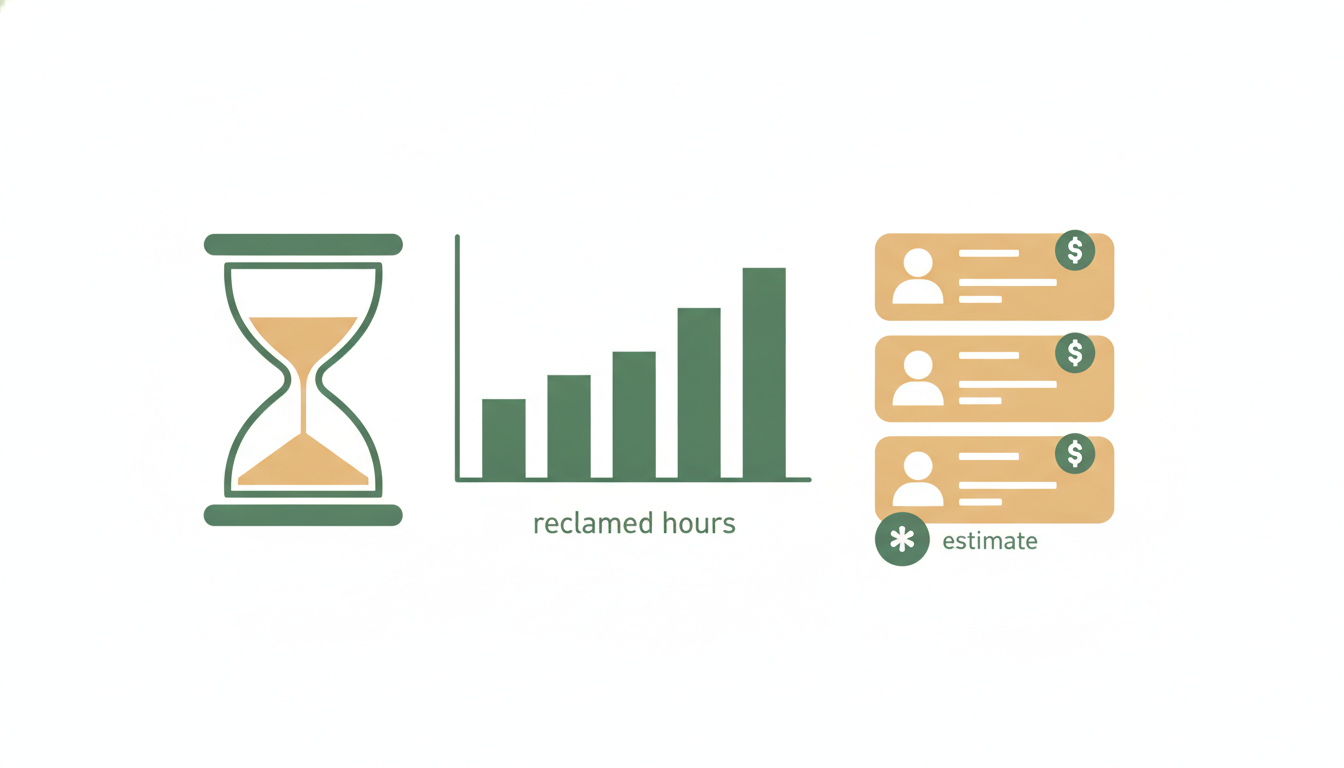
Alfrada OS keeps two ledgers. Usage & Plan covers what you spend; Hours Saved covers what you got back. Open Settings → Account → Hours Saved and you'll see an estimate of how much human-expert time your Alfrada OS work replaced — in hours, and in dollars at professional rates you can edit. When someone asks whether the subscription is worth it, this is the page you answer from.
See It In Ten Seconds
There's no chat command for this one — asking the agent "how many expert hours did you save me this month?" won't work, because the numbers live in Settings, not in a tool the agent can call. Instead:
- Open Settings → Account → Hours Saved.
- Pick a time window: Today, 7d, 30d, or 90d.
- Press Scan today for an up-to-the-minute provisional view of today's work — no need to wait for the overnight analysis.
What You See
Four tiles up top summarize the window you picked:
- Expert Hours Saved — estimated human-professional hours your conversations replaced.
- Value Saved — those hours priced at your per-profession rates.
- Median Compression — the typical speed-up multiple: how many hours of expert work the agent produced per hour it actually ran.
- Jobs Analyzed — how many conversation-days went into the numbers.
Below the tiles:
- Hours Saved by Day — a bar per day. Click a day to expand its conversations; click a conversation to jump straight into it. Each conversation card shows the inferred profession, a one-line summary of the work, its compression multiple, a satisfaction chip (judged from how the day actually ended), and its hours and dollars.
- By Job Type — the same totals broken down by profession, so you can see where the value is actually coming from.
Today's bar wears a small so far badge — a reminder that today's figures are provisional until the day closes.
How The Estimate Is Made
Once a night (around 2 AM UTC), Gemma 4 12B running locally — never an external AI provider — reads back through each conversation-day with real substance in it. It only reads the prose: tool runs, tool outputs, and attached files are stripped out before analysis. For each day it answers two questions: which of 15 professions does this work resemble? and how many hours would a human professional have billed for it?
That raw estimate then goes through three deliberately conservative steps:
- It's cut in half. The "50% AI flex": Alfrada OS claims only half the estimated human hours, to stay honest about AI-assisted quality.
- The agent's own time is subtracted. The time Alfrada OS actually spent working, measured from production telemetry, comes off the top — hours saved never dips below zero.
- What's left is priced. Hours saved × your hourly rate for that profession = value saved.
The compression multiple is the flexed hours divided by the agent's runtime — if the agent did what would bill six (flexed) expert hours in thirty minutes of runtime, that's 12×.
Automations count too — scheduled tasks that run while you sleep are often where the quiet savings pile up.
Hourly Rates You Can Edit
The dollar figures are only as good as the rates behind them. Open the collapsible Hourly Rates panel ("used for the value math — edit to match your market") to see and change the per-profession rates. The defaults:
| Profession | Default rate |
|---|---|
| Software engineering | $95/hr |
| Legal | $250/hr |
| Data science & ML | $90/hr |
| Consulting & strategy | $180/hr |
| Finance & investment analysis | $110/hr |
| Founder & operator | $100/hr |
| Sales & business development | $60/hr |
| Design & creative media | $65/hr |
| Product management | $90/hr |
| Healthcare & medical | $120/hr |
| Marketing & comms | $60/hr |
| Education & teaching | $45/hr |
| Academic & research (PhD) | $70/hr |
| Nonprofit & policy analysis | $55/hr |
| Personal & life | $35/hr |
Work the model can't confidently categorize is filed as "Other" and priced at the median of your rates. Edit any rate to match your market, press Save rates, and every figure on the page reprices instantly.
Honest Caveats
This is an estimate, not a measurement. A local Gemma 4 12B pass is making a judgment call about what your work would have cost in human hours — treat the numbers as directional, not billing-grade. The specifics:
- Small days are skipped. A quick question or a bit of small talk doesn't get scored; only conversation-days with real produced work make it into the analysis.
- Very long days are sampled. When a day's transcript is too long for the model to read whole, it reads the beginning and the end and is told the true scale of what it's sampling.
- Today is provisional. Numbers wearing the so far badge recompute when the nightly run closes out the day.
- Scan today has a cooldown. After a scan, today can't be re-scanned for about 15 minutes — you'll see how long is left if you press it early.
- The window maxes out at 90 days. Both the on-screen ranges and the on-demand scan reach back at most 90 days.
The method itself follows the published approach for pricing AI-performed work in expert-labor terms — the launch note walks through the full framework, and the August 16 upgrade covers the move to Gemma 4 12B.
Appendix: Identifiers
Optional reading — raw names for the curious.
Constants and labels
- The 50% flex is fixed: hours saved =
max(0, billable × 0.5 − agent_hours). - Substance gates: a day needs roughly 1,500 agent output tokens (or a ~700-character transcript for cloud-synced conversations without local telemetry) to be analyzed.
- Satisfaction chip labels:
satisfied/partial/unsatisfied/unclear. - The scan cooldown is 15 minutes.